
It's the end of a two year thing.
:|
:|

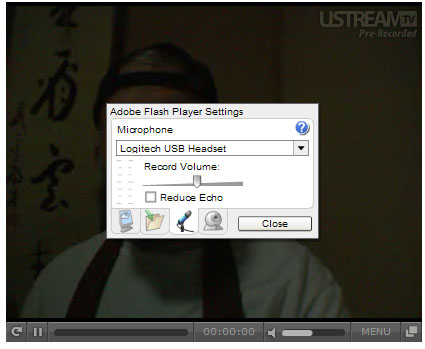
 *CUE BANJOS!*. just make sure under System Preference:Sound:input is set to the built in mic (if not using an external one, in say, a head set or w/e), and output set to what ever speakers your using. Its kinda best to use a head set if you can when/if your going to be speaking since External speakers +mic+ you talking = feedback loop or a bad echo. Now for the using the iSight with any of the video stuffs you just have to enable access to it in the flash plugin,(oh yeah and make sure you have the most up-to-date flash plugin- for mac X on an intel rig that version should be : 9.0.124.0) you can do this by going to whatever page it is you were going to visit with the video and just right click/ctrl+click anywhere with in the video window and you should see something like this: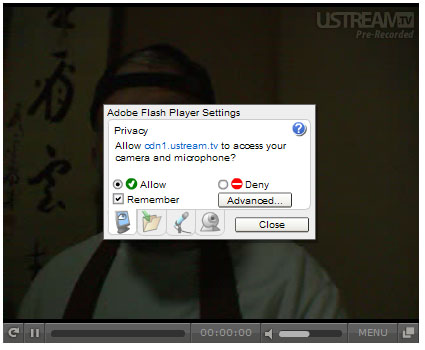


Comment